Private Chat
Ask, write, plan, brainstorm, or just talk.
Run private AI directly on your phone. Need more power? Connect your own computer and keep using microAI from your phone. No cloud AI account is required to get started.

We will check this browser, help you choose a local model, and show you how to connect your phone.
—Choose a folder first. Downloads are saved here, and microAI scans this folder and all subfolders for GGUF models. The folder name is saved; no absolute path is stored.
Choose a work folder first, then download a GGUF from one of the model libraries below. microAI will scan the folder and let you load it.
Ask a question, talk instead of type, show a photo, read a file, work on a project, or save a thought for later. microAI brings it together around the devices you already use.
Use simple AI helpers for everyday work, photos, voice, reviews, and more. Pick the compatible model that fits the job—a small fast model on your phone, a vision model for images, or a stronger model on your computer.
Ask, write, plan, brainstorm, or just talk.
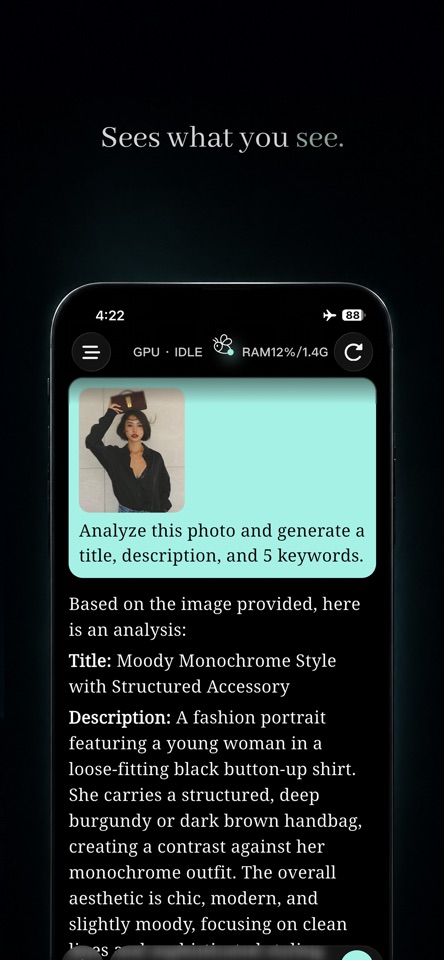
Show a photo or screenshot and ask what you see.
Talk naturally instead of typing.
Turn your experience into a clear review.
Create titles, descriptions, and keywords for photos.
Keep related conversations, files, instructions, and context together in Projects. Save quick thoughts in Journal, and use Memory Map to move through the work you want to find again.
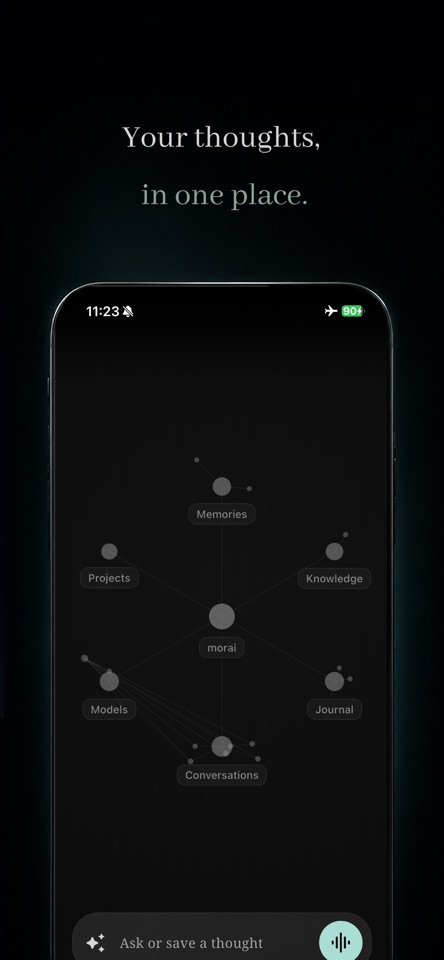
Choose a compatible model, download it, or import your own GGUF. microAI keeps model management in one place.
Use Voice Chat, ask about a photo or screenshot, or add a supported PDF, TXT, or Markdown file.
Connect your own computer and let it run the model while you continue using microAI from your phone.
Models run on the device you choose. Your model files stay there, and remote access is always your choice.
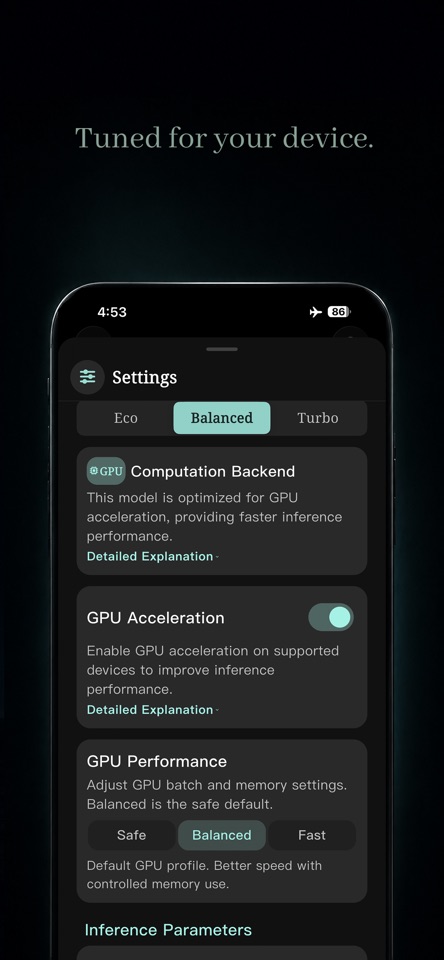
Run compatible models on your phone when that's enough. When you want more power, use your own computer. Actual performance depends on your device, model, and connection.
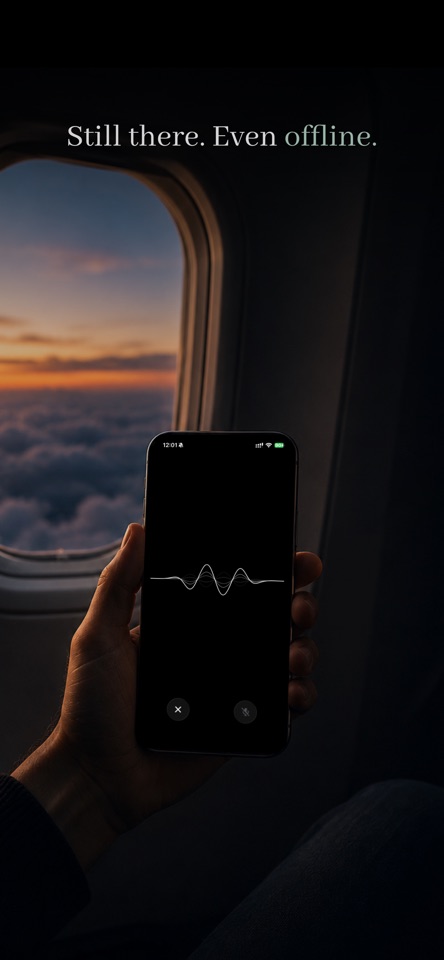
Start on your phone. Connect your own computer when you want more power. No cloud AI account is required to get started.